Change Tracking Status
The Change Tracking Status allows you set whether License Manager tracks a product or not. This can only be changed in the Unmanaged Software, Managed Software and My Contracts tabs.
- Select the product you want to change.
- Click Change Tracking Status in the Tasks list. A confirmation message appears.
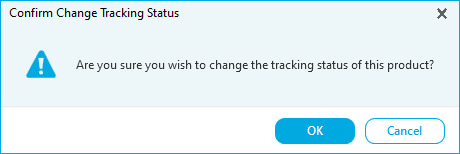
- Click OK. The tracking status has been changed.
This will remove the item from the list you are currently viewing. Please refer to the How to Organize the Compliance Workspace help page for details of how to filter and search the lists.